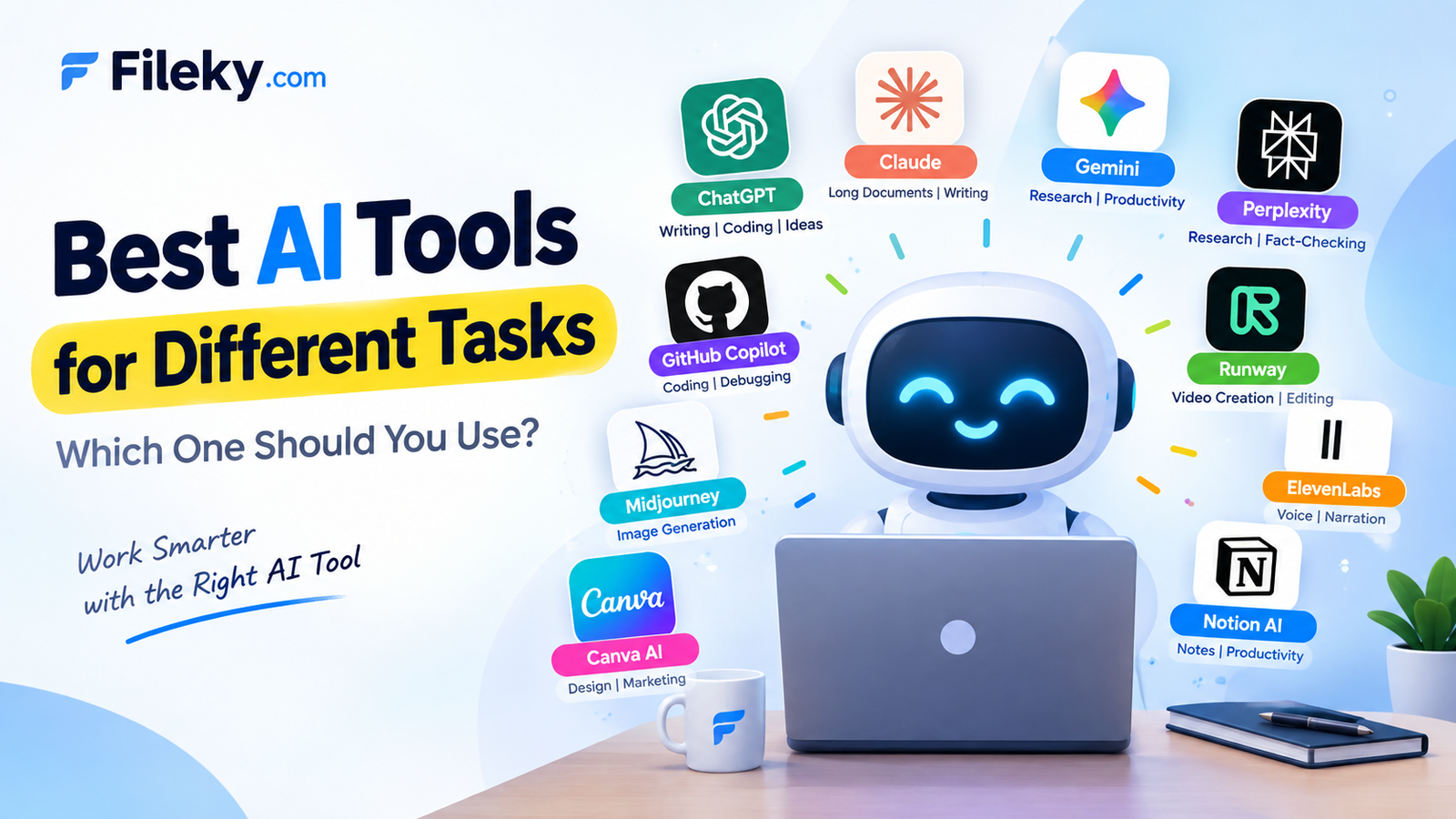
AI tools are no longer limited to answering questions. Today, different AI platforms are designed for different jobs—from writing and coding to research, image generation, presentations, and automation.
But with so many options available, one question remains: Which AI tool is best for what?
Here’s a simple guide to help you choose the right AI tool for your needs.
1. ChatGPT — Best All-Round AI Assistant
Best for: Writing, brainstorming, coding, learning, analysis, and everyday tasks.
ChatGPT is one of the most versatile AI assistants available. It can help you write content, explain complex topics, generate code, analyze information, brainstorm ideas, and work through problems step by step.
Why choose it?
If you want one AI tool that can handle a wide variety of tasks, ChatGPT is a strong all-purpose choice.
Best for: Developers, students, writers, businesses, and everyday users.
2. Claude — Best for Long Documents & Thoughtful Writing
Best for: Long-form writing, document analysis, summarization, and complex reasoning.
Claude is particularly useful when you need to work with lengthy text or documents. It is also popular for producing natural-sounding writing and handling detailed instructions.
Why choose it?
It’s a great option when your task involves large amounts of text or requires careful, structured reasoning.
Best for: Researchers, writers, professionals, and developers.
3. Google Gemini — Best for Google Ecosystem Users
Best for: Research, productivity, multimodal tasks, and Google-related workflows.
Gemini is Google’s AI assistant and is closely connected with Google’s ecosystem. It can work with text, images, and other types of information while helping with everyday productivity.
Why choose it?
If you already rely heavily on Google services, Gemini can be a convenient AI companion.
Best for: Students, professionals, researchers, and Google Workspace users.
4. Perplexity — Best for AI-Powered Research
Best for: Research, fact-finding, current information, and source discovery.
Perplexity focuses heavily on search and research. Instead of simply generating an answer, it can provide information with references to online sources.
Why choose it?
It’s useful when you want to explore a topic quickly and see where the information comes from.
Best for: Researchers, students, journalists, marketers, and professionals.
5. GitHub Copilot — Best for Coding Assistance
Best for: Programming, code completion, debugging, and development workflows.
GitHub Copilot is designed specifically to assist developers. It can suggest code, complete functions, explain code, and help developers work more efficiently inside supported development environments.
Why choose it?
It can reduce repetitive coding work and help developers move from an idea to working code faster.
Best for: Web developers, software engineers, and programmers.
6. Midjourney — Best for AI Image Creation
Best for: Creative images, concepts, illustrations, and visual experimentation.
Midjourney is well known for generating highly creative AI images from text prompts. It can be particularly useful for exploring visual concepts and artistic styles.
Why choose it?
When your main goal is creating impressive visual concepts rather than text, Midjourney is worth considering.
Best for: Designers, artists, content creators, and marketers.
7. Canva AI — Best for Quick Design & Marketing Content
Best for: Social media graphics, presentations, marketing materials, and simple designs.
Canva combines traditional design tools with AI-powered features, making it easier to create visual content without advanced design skills.
Why choose it?
It is convenient for quickly turning an idea into a social post, presentation, banner, or marketing graphic.
Best for: Small businesses, marketers, educators, and content creators.
8. Runway — Best for AI Video Creation
Best for: AI-generated video, video editing, visual effects, and creative video experiments.
Runway focuses on AI-powered video production. It can help creators generate and manipulate video content without requiring a traditional production workflow for every task.
Why choose it?
It can significantly speed up creative video experimentation.
Best for: Video creators, filmmakers, marketers, and social media creators.
9. ElevenLabs — Best for AI Voice
Best for: Voiceovers, narration, dubbing, and audio content.
ElevenLabs specializes in AI-generated speech and voice technology. It can be useful for creating narration and voice-based content in different languages and styles.
Why choose it?
It can turn written scripts into realistic-sounding voice content.
Best for: YouTubers, podcasters, video creators, educators, and businesses.
10. Notion AI — Best for AI-Powered Productivity
Best for: Notes, documentation, project organization, summaries, and workplace productivity.
Notion AI combines AI capabilities with Notion’s workspace features. It can help organize information, summarize content, generate drafts, and work with project documentation.
Why choose it?
It is especially useful when your notes, projects, and documentation already live inside Notion.
Best for: Teams, project managers, students, and professionals.
Quick Comparison
| AI Tool | Best For |
|---|---|
| ChatGPT | All-purpose AI assistance |
| Claude | Long documents & writing |
| Gemini | Google ecosystem & productivity |
| Perplexity | Research & web discovery |
| GitHub Copilot | Coding & development |
| Midjourney | AI image generation |
| Canva AI | Design & marketing |
| Runway | AI video creation |
| ElevenLabs | AI voice & narration |
| Notion AI | Productivity & documentation |
So, Which AI Tool Should You Choose?
There isn’t one AI tool that is automatically the best for everything.
Your choice should depend on what you are trying to accomplish:
- 💬 Need an AI assistant? → ChatGPT
- 📝 Working with long documents? → Claude
- 🔎 Doing online research? → Perplexity
- 💻 Writing code? → GitHub Copilot
- 🎨 Creating images? → Midjourney
- 🖼️ Making marketing designs? → Canva AI
- 🎬 Creating videos? → Runway
- 🎙️ Generating voiceovers? → ElevenLabs
- 📋 Managing notes and projects? → Notion AI
- 🌐 Already using Google services heavily? → Gemini
Final Thoughts
The best approach isn’t to find one AI tool for everything. Instead, build a small AI toolkit around the tasks you perform most often.
For example, a web developer might use one AI assistant for problem-solving, another tool for coding, and a research-focused AI for finding current technical information. A content creator might combine AI writing, image, video, and voice tools.
AI works best when you choose the right tool for the right job.
Tool capabilities and features change frequently, so always check the latest information and pricing before choosing an AI service.
More AI & technology guides: Follow Fileky.com for practical tools, resources, tutorials, and technology insights.
This is the reviews section.
